Welcome to Chat Video Pro!
STEP-BY-STEP SETUP
STEP 1 Install the aescripts + aeplugins Extension Manager
Download and install the free aescripts + aeplugins Extension Manager for your platform (Mac or Windows). This tool manages all your aescripts extensions in one place.
Download Extension ManagerSTEP 2 Install Chat Video Pro
Open the aescripts + aeplugins Extension Manager and sign in with your aescripts account. Chat Video Pro will appear in your My Products list.
- Click Install next to Chat Video Pro
- Wait for installation to complete
- Open Premiere Pro → Window → Extensions → Chat Video Pro
STEP 3 Activate
A) Activate Your License
Copy your license key from your aescripts receipt → paste into Chat Video Pro → click Next.
B) Create Your FAL Key
- Click Get FAL Key inside the panel
- Sign in with your Google account
- Click Create Key
- Copy the key → Paste inside Chat Video Pro
- Add funds ($10–$20 recommended to start)
YOU'RE READY TO CREATE
Your AI editing copilot is fully activated. You now have access to:
- AI Video Generation Models
- Video & Image Upscalers
- Canvas Editor
- ChatGPT Assistant
- Story Cutter
- All inside your Premiere Pro timeline
Master Your Workflow
Explore the official documentation and become a power user.


🛡️ 7-Day Money-Back Guarantee (No Questions Asked)
If Chat Video Pro doesn’t save you hours every week and make your workflow noticeably faster, we’ll refund you instantly.
No subscription. No contracts. Yours forever.
👉 Zero risk. All reward.
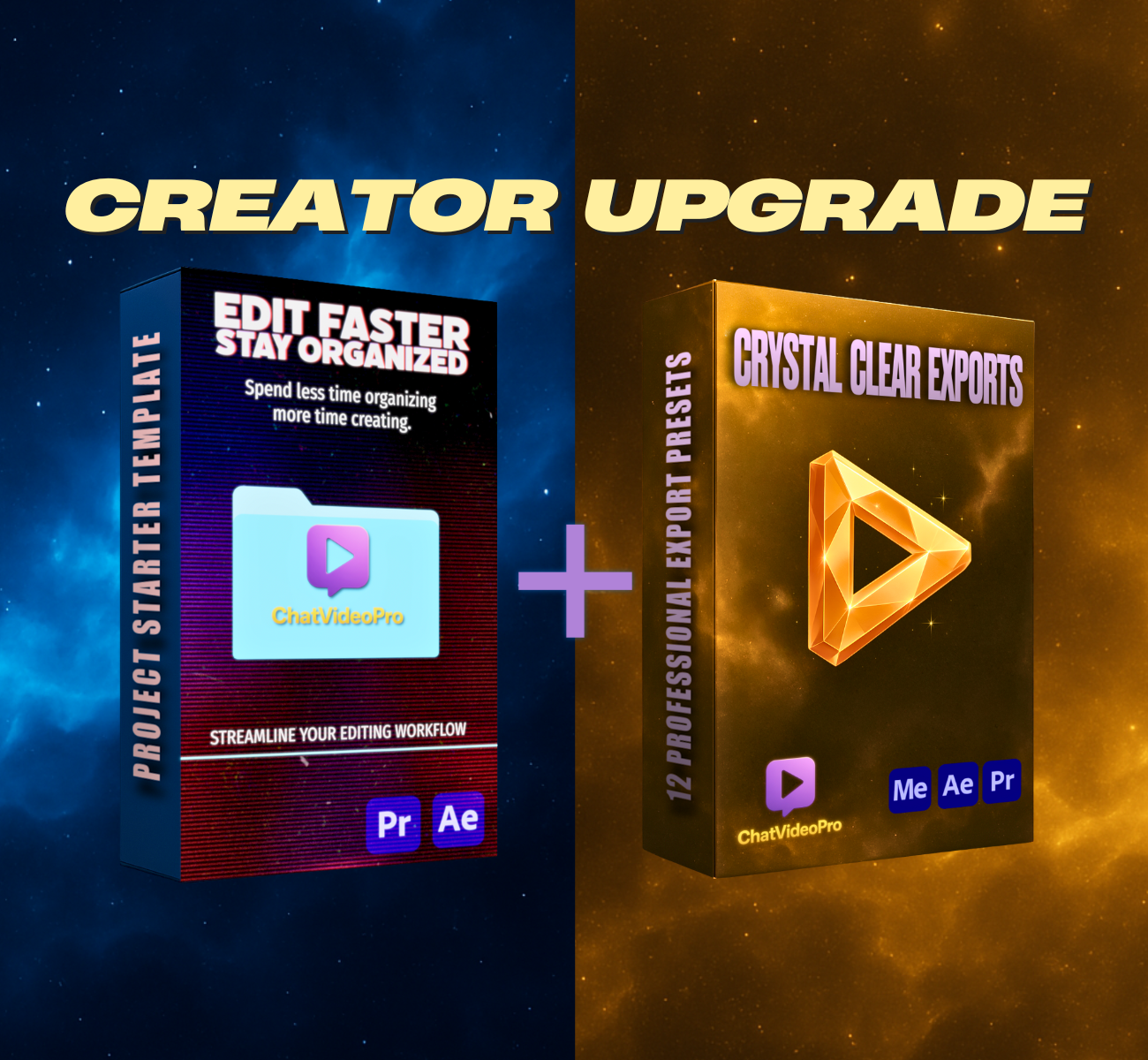
✨ Upgrade to the Creator Bundle — 20% Off
Unlock professional export presets + full workflow system.
Use code UPDATE20 at checkout.
Get the Creator UpgradeFrequently Asked Questions
Everything you need to know about Chat Video Pro.
Where do I download Chat Video Pro?
Your download link is in the View Order page inside your purchase email.
Just open your email → click View Order → and you’ll see both:
- Chat Video Pro ZXP
- The Plugin Manager (Mac + Windows)
If you can’t find the email, check your Promotions or Spam folder.
How do I install the ZXP file?
Just open the installer you downloaded, then drag the Chat Video Pro.zxp file into it.
If you prefer a different installer, you can also use:
I don’t see Chat Video Pro inside Premiere.
After installing, restart Premiere and open it here:
Window → Extensions → Chat Video Pro
Make sure you're using Premiere Pro 2024 or newer.
Where do I paste my API key?
Right after you activate your license, the panel will prompt you.
You’ll see:
"Connect your FAL key" → paste your key → Continue
You can always update your key later inside the settings icon.
How do I add funds for video generation?
Inside Chat Video Pro:
- Click the gear icon
- Click See Balance
- Add funds inside your FAL dashboard
Or go directly to:
👉 https://fal.ai/dashboard/usage-billing/credits
Remember: no subscription, no upcharges — pay only for what you generate.
Do I need a subscription?
No. Chat Video Pro is a one-time purchase.
You only pay FAL for whatever you generate, at raw market cost — the cheapest way to generate AI videos.
My license key won’t activate.
A few quick things to check:
- Make sure the key is copied with no extra spaces
- Make sure you're connected to the internet
- Disable any VPN while activating
- Restart Premiere
If you still need help, email us at Chat Video [email protected] and we’ll get you set up quickly.
Where can I get support?
You have two options:
- 📧 Chat Video [email protected]
- 💬 Join the Discord community (link on the setup page)
We're happy to help with anything!