Where it lives
Editor environment
Chat Video Pro
Inside Adobe Premiere Pro (CEP panel)Eddie AI
Mac/Windows desktop app + Premiere extension bridge (not a CEP panel)Best for this rowChat Video Pro
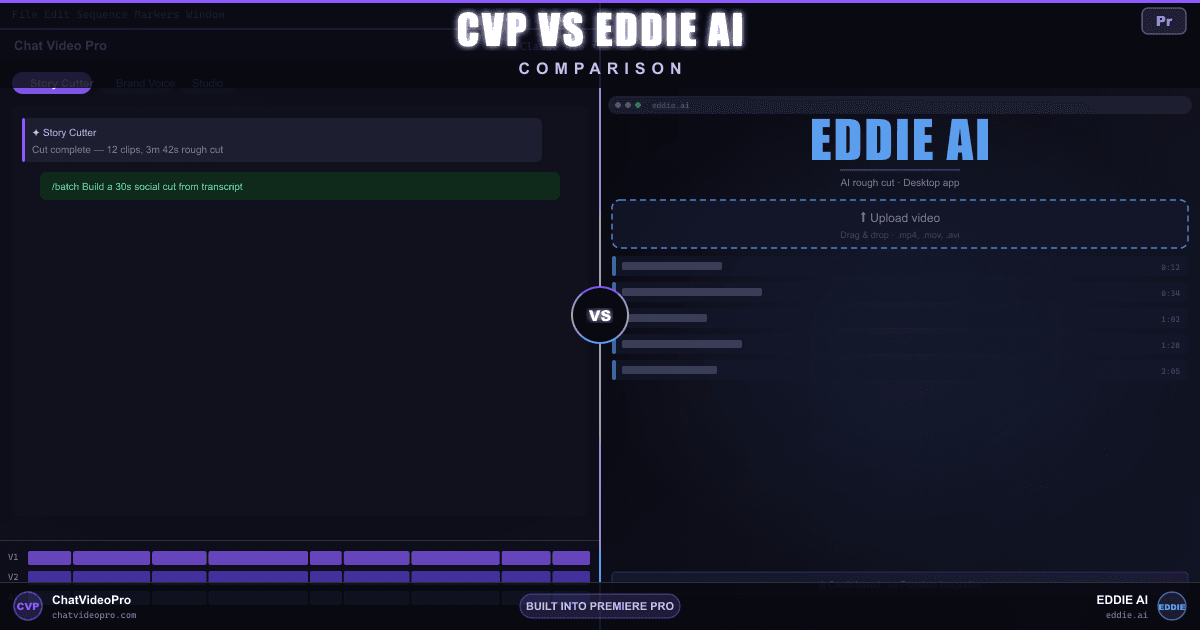
Comparison
Both promise AI rough cuts — one lives in Premiere, one lives in a separate desktop app. Here’s how they differ on pricing, import workflow, and the rest of the AI toolbox.
At a glance
Same headline feature, different homes — see where each tool leads.
Editor environment
Chat Video Pro
Inside Adobe Premiere Pro (CEP panel)Eddie AI
Mac/Windows desktop app + Premiere extension bridge (not a CEP panel)License + ongoing cost
Chat Video Pro
$149.99 one-time + wholesale AI usageEddie AI
Free/Flex (pay-as-you-go at $15/credit) or subscription; credits charged per unique project export (Pro $167/mo billed yearly with 120 exports/yr; Pro+ $333/mo yearly; Ultra $1,250/mo yearly per heyeddie.ai/#pricing)Where media stays during the cut
Chat Video Pro
Local — works on your active Premiere sequenceEddie AI
Import into separate Eddie app (projects stored locally on your machine)AI first pass from transcript
Chat Video Pro
Yes — Story Cutter on timeline (no upload for the cut)Eddie AI
Yes — transcript + guide/script in Eddie; picks best takesAI stills and B-roll inside NLE
Chat Video Pro
Yes — Cinematic Lab and Studio image modelsEddie AI
AI-generated extra angles from a single source clip (different from editing existing multicam)
Chat Video Pro
Yes — Multi-Angle Generation in StudioEddie AI
Editing-only — Eddie syncs and cuts existing multicam (up to 6 cameras per heyeddie.ai), but does not synthesize new AI angles from a single plateAI lighting changes on footage
Chat Video Pro
Yes — Relight in StudioEddie AI
Remove objects from frame
Chat Video Pro
Yes — Erase / inpainting in StudioEddie AI
Grade inside your NLE
Chat Video Pro
Yes — apply LUTs inside PremiereEddie AI
Handoff to finish edit
Chat Video Pro
Native Premiere project / timelineEddie AI
Premiere extension round-trip or XML to Premiere / Resolve / FCPDeep dive
Workflow
Chat Video Pro
Eddie AI
Flow
Chat Video Pro
Eddie AI
Capabilities
Chat Video Pro
Eddie AI
Verdict
FAQ
No. Eddie AI is a Mac/Windows desktop app (heyeddie.ai, launched October 2024) with an optional Premiere extension that bridges bins and sequences — not a CEP panel embedded in your timeline. You import footage into Eddie, generate rough cuts from transcript and a guide script, then round-trip via the extension or XML to Premiere, Resolve, or FCP. Chat Video Pro is a CEP panel that runs inside Premiere Pro on Mac and Windows.
Story Cutter transcribes and rough-cuts from clips already on your active Premiere sequence — no separate import app for that workflow. Studio AI generation calls route to external models (you pay wholesale per call), but your master media stays in your Premiere project. Eddie stores projects locally, but rough-cut workflows still require importing or pulling clips into the Eddie desktop app (via upload, cloud drives, or the Premiere extension).
Eddie AI offers a Free/Flex tier with trial credits and pay-as-you-go exports ($15/credit on heyeddie.ai); per Eddie’s own help docs, paid subscriptions can be cancelled at any time but Eddie does not issue refunds for amounts already paid. Chat Video Pro includes a 7-day money-back on the $149.99 license (AI credits and consumed Fal.ai usage non-refundable) — enough time to run Story Cutter and Studio on a real project inside Premiere.
Chat Video Pro is a one-time license plus wholesale AI usage (many editors spend roughly $10/month at published fal.ai rates). Eddie uses subscription or pay-as-you-go credits: a credit is charged when you export from a unique project (unlimited re-exports from the same project cost one credit). Pro is listed at $167/mo billed yearly (120 exports/year), Pro+ at $333/mo billed yearly (300 exports), and Ultra at $1,250/mo billed yearly (1,200 exports) on heyeddie.ai — costs recur while you subscribe.
If Premiere is your finish environment and you edit regularly, the perpetual license often wins on total cost within the first year versus an ongoing Eddie subscription.
Eddie focuses on transcript-driven rough cuts for interview, podcast, and documentary footage — not cinematic image generation, relight, erase, or multi-angle synthesis. Chat Video Pro ships the full Studio toolbox (Cinematic Lab, Motion Director, Multi-Angle, Relight, Erase, Story Scribe, and more) inside Premiere.
Yes. Some editors run a first-pass rough cut in Eddie (especially when starting from raw interview rolls and a written story outline), round-trip into Premiere via extension or XML, then use Chat Video Pro for Story Cutter refinements, color, LUTs, and generative Studio work on the same timeline — without re-importing into Eddie for every refinement pass.
Yes. Story Cutter transcribes clips on your sequence, lets you pick soundbites from the transcript, and drops cuts directly on your Premiere timeline. Eddie also auto-picks best takes from transcripts in its desktop app, then delivers the assembly via the Premiere extension or XML export — not as an in-timeline CEP panel.
Chat Video Pro includes LUT application and broader Studio VFX inside Premiere. Eddie does not ship native color grading, LUT workflows, relight, or generative effects — its strength is speed on the first transcript-driven assembly, not finishing polish inside the NLE.
Keep exploring
$149.99 one-time license. Wholesale AI billing. 7-day money-back on the license.
No subscription · Works on Mac & Windows · Premiere Pro required