Where it lives
Editor environment
Chat Video Pro
Inside Adobe Premiere Pro (CEP panel)Descript
Standalone web / desktop appBest for this rowChat Video Pro
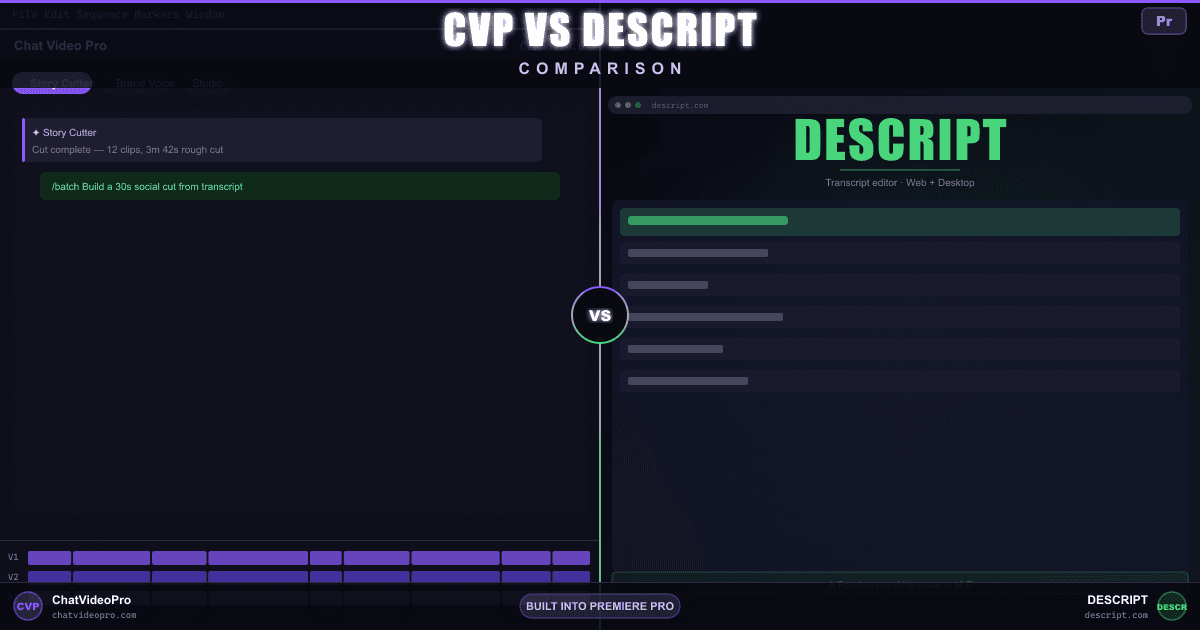
Comparison
Two AI editors, different workflows. Here’s an honest look at which fits Premiere Pro editors — and when Descript still wins.
At a glance
Same capabilities, different homes — see where each tool leads.
Editor environment
Chat Video Pro
Inside Adobe Premiere Pro (CEP panel)Descript
Standalone web / desktop appLicense + ongoing cost
Chat Video Pro
$149.99 one-time + wholesale AI usageDescript
Free tier; paid Hobbyist from ~$16/mo (annual) or ~$24/mo (monthly); Creator ~$24/~$35; Business ~$50/~$65Native timeline access
Chat Video Pro
Direct Premiere timelineDescript
Timeline export to NLE — none on Hobbyist; FCP, Premiere, and Resolve XML on Creator plan and above (per descript.com/pricing)Video & image models
Chat Video Pro
Seedance, Veo, Kling, Sora, Hailuo, Wan + 10+ image modelsDescript
In-app AI tools (Underlord, stock); fewer third-party video modelsText-based editing assistant
Chat Video Pro
Yes — Story Cutter drops cuts on your Premiere timelineDescript
Yes — native transcript editor inside the Descript appCapture + edit in one place
Chat Video Pro
Descript
Built-in recorder & podcast toolsStudio, VFX, color inside NLE
Chat Video Pro
Cinematic Lab, Motion Director, Relight, transitionsDescript
Not available inside PremiereChat Video Pro
Descript
AI Speech with custom voice clones on paid plans (limits vary by plan, per descript.com/pricing)Chat Video Pro
YesDescript
Chat Video Pro
LifetimeDescript
While subscribedDeep dive
Pricing
Chat Video Pro
Descript
Workflow
Chat Video Pro
Descript
AI capabilities
Chat Video Pro
Descript
Verdict
FAQ
Yes. Many editors use Descript for podcast recording, screen capture, or quick transcript drafts, then finish cinematic work inside Premiere with Chat Video Pro. They solve different parts of the pipeline — Descript is a standalone editor; Chat Video Pro is an AI layer inside Premiere.
For Premiere Pro editors, yes — especially if you want transcript-based rough cuts (Story Cutter), multi-model AI generation, and VFX without leaving your timeline. It is not a full replacement if your workflow depends on Descript’s screen recorder, podcast studio, or AI Speech / custom voice cloning.
Yes. Chat Video Pro runs as a CEP panel inside Adobe Premiere Pro on both macOS and Windows. You need an active Premiere Pro license (Creative Cloud or standalone). Descript runs independently and does not require Premiere.
Chat Video Pro is a $149.99 one-time license plus wholesale AI generation (typical editor ~$10/month at published fal.ai rates). Descript offers a Free tier; paid Hobbyist from ~$16/mo (annual) or ~$24/mo (monthly), Creator ~$24/~$35, Business ~$50/~$65 — every year you keep subscribing.
After roughly one year on a Descript Creator plan, you have often paid more in subscriptions than the full Chat Video Pro license — and you still do not get native Premiere timeline access.
For rough-cutting interview and talking-head footage inside Premiere, Story Cutter covers similar ground: transcribe, select soundbites, and drop edits on your timeline. Descript’s transcript editor is more mature for podcast-first workflows, multi-track recording, and editing entirely outside an NLE.
Chat Video Pro works on clips already in your Premiere timeline. If you edit in Descript first, export a sequence (NLE timeline export to FCP, Premiere, or Resolve requires Creator plan or above — Hobbyist has no timeline export) or just send out media files, import into Premiere, and then use Story Cutter, Studio, and other CVP tools on that material without round-tripping back to Descript.
Chat Video Pro routes to many external models (Seedance, Veo, Kling, Sora, Hailuo, Wan, and more) at wholesale rates, with results placed directly on your Premiere timeline. Descript focuses on in-app AI tools like Studio Sound, eye contact, and captions — not the same breadth of generative video models.
Switch or add Chat Video Pro if Premiere is your finish environment and you want one-time pricing plus native timeline AI. Stay with Descript (or use both) if podcast recording, screen capture, or AI Speech / custom voice cloning are central to how you work.
Keep exploring
$149.99 one-time license. Wholesale AI billing. Free updates for life. 7-day money-back on the license.
No subscription · Works on Mac & Windows · Premiere Pro required