Where it lives
Editor environment
Chat Video Pro
Inside Adobe Premiere Pro (CEP panel)FireCut
Inside Premiere Pro + DaVinci Resolve (Extensions menu)Best for this rowTie
Comparison
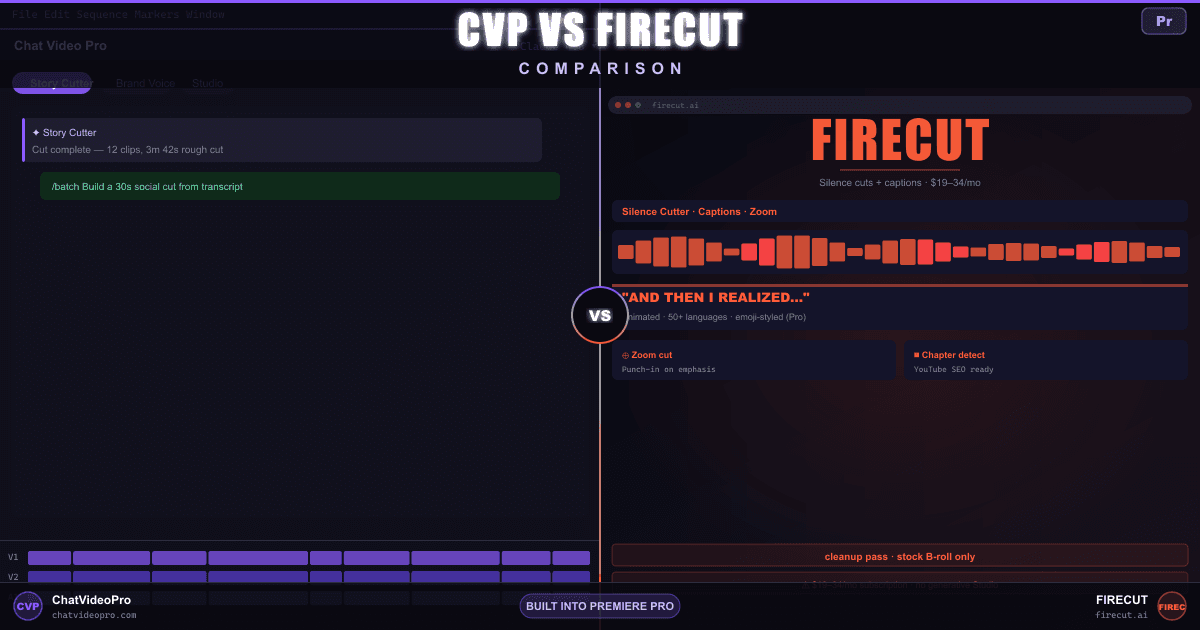
FireCut is a fast silence + captions plugin on a recurring subscription. Chat Video Pro is the transcript-aware editorial assistant Premiere editors graduate to — brief-driven rough cuts, /batch deliverables, and a full generative Studio, sold as a one-time license.
At a glance
Same silence-cut problem, different scope — see who wins on editorial reasoning and pricing.
Editor environment
Chat Video Pro
Inside Adobe Premiere Pro (CEP panel)FireCut
Inside Premiere Pro + DaVinci Resolve (Extensions menu)License + ongoing cost
Chat Video Pro
$149.99 one-time + wholesale AI usageFireCut
Starter $19/mo (or $10/mo annual) silence + J-cuts; Pro $34/mo (or $20/mo annual) adds captions, podcast, chapters, zooms, B-roll; Team $34/mo per user; 7-day free trial; lifetime license by requestBasic + advanced silence removal
Chat Video Pro
Yes — side effect of Story Cutter transcript-driven assemblyFireCut
Yes — one-click and advanced silence cutting (Starter+)Ums, uhs, repeated takes
Chat Video Pro
Yes — via transcript instruction to Claude / GPT-5.5 / GeminiFireCut
Yes — automated filler, profanity, and repetition cleanup (Pro tier)Emoji + animated subtitle aesthetic
Chat Video Pro
Via Premiere’s native Auto Captions + Studio stylingFireCut
Yes — flagship feature on Pro tierAuto reframe to punch in on speakers
Chat Video Pro
Manual + AI suggestion via Studio routesFireCut
Yes — Zoom cuts (Pro tier)Auto-generated chapter markers
Chat Video Pro
Story Cutter outputs section labels usable as chaptersFireCut
Yes — Chapter detection (Pro tier)Multi-cam-style switching
Chat Video Pro
Yes — multicam stacks on V1/V2+ with transcript-driven switchingFireCut
Yes — podcast automatic editing (Pro tier)Pull moments from long-form
Chat Video Pro
Yes — /social clip, /top 5 soundbitesFireCut
Yes — Clip highlights (Pro tier)LLM reasoning over the transcript
Chat Video Pro
Yes — Claude, GPT-5.5, or Gemini through your own keyFireCut
Editorial assembly from a brief
Chat Video Pro
Yes — Story Cutter writes a paper edit and inserts on the timelineFireCut
Multiple cuts from one transcript
Chat Video Pro
Yes — /batch ships TikTok, YouTube, and long-form in one messageFireCut
Sora, VEO, Kling, Seedance
Chat Video Pro
Yes — StudioFireCut
Stock library only (Storyblocks Premium B-rolls)Post-production generative stack
Chat Video Pro
Yes — Studio: Cinematic Lab, Motion Director, Relight, Rotoscope (SAM3), Erase, AI TransitionsFireCut
YouTube-ready stills from frames
Chat Video Pro
Yes — Studio thumbnail modeFireCut
Text-to-speech for narration
Chat Video Pro
Yes — via Studio + external TTS keysFireCut
+$10/mo add-on, 25K chars/moCoverage outside Premiere
Chat Video Pro
FireCut
Premiere Pro + DaVinci Resolve; Final Cut Pro plugin is waitlist-onlyNo recurring subscription
Chat Video Pro
Yes — $149.99 BaseFireCut
Lifetime by request — not publicly listedDirect provider rates, no markup
Chat Video Pro
Yes — Anthropic, OpenAI, Google, Fal.aiFireCut
Deep dive
Workflow
Chat Video Pro
FireCut
Capabilities
Chat Video Pro
FireCut
Pricing
Chat Video Pro
FireCut
Verdict
FAQ
For editors who need transcript-aware semantic rough cuts, brief-driven assembly, batch multi-platform deliverables, generative B-roll, and a one-time license — yes, Chat Video Pro is the broader and more cost-effective alternative. FireCut remains a good pick for editors whose workflow is dominated by silence cutting and animated captions in Premiere Pro or DaVinci Resolve, and who prefer a single recurring subscription. The decision usually comes down to scope and pricing model rather than quality.
Yes — silence removal is a side effect of Story Cutter’s transcript-driven assembly. When the model selects which sentences belong in the cut, the silence between them is naturally trimmed, and explicit instructions like “tighten pauses” or “remove all gaps over 0.5 seconds” are honoured. For editors who want a pure silence-only pass without an AI-driven assembly, Premiere’s built-in Auto Cut tool is included in Creative Cloud and works alongside Chat Video Pro.
Adobe Premiere Pro ships with native Auto Captions in the Text panel that transcribes audio and generates styled subtitle tracks in dozens of languages — this is the recommended captions pipeline when editing with Chat Video Pro. FireCut’s differentiator is the animated emoji-styled captions on the Pro plan; that visual style can be reproduced in Premiere with a captions template or the Studio’s caption styling routes, but FireCut’s one-click Pro captions is a more turnkey experience for that specific aesthetic.
Per published rates at time of writing, FireCut Starter is $19/month or $10/mo billed yearly, and FireCut Pro (with captions, podcast editing, chapters, zooms, B-roll, and filler cleanup) is $34/month or $20/mo billed yearly. Chat Video Pro is a one-time license — $149.99 Base or $199.99 Creator Bundle — plus typically $5–$10/month in BYOK Claude or GPT-5.5 tokens. Over three years, Chat Video Pro lands roughly $210–$890 cheaper than FireCut Pro depending on monthly versus annual billing, before counting the value of Studio generative features FireCut does not include.
7-day money-back guarantee on the $149.99 Chat Video Pro license. Bundle add-ons (templates, presets, Founder Onboarding) and any AI generation already spent are non-refundable. Refunds are processed through Lemon Squeezy.
Yes, through Chat Video Pro. Connect an Anthropic Claude, OpenAI GPT-5.5, or Google Gemini 3.1 Pro API key in the Gear → AI Providers panel, and Story Cutter routes every rough cut through the model you choose. The transcript, brief, and timecodes are sent in-context so the model can structure soundbites against runtime, hook, and CTA. FireCut does not currently expose this kind of LLM-driven editorial reasoning.
Adobe Premiere Pro ships with built-in Text-Based Editing, Auto Captions, and Auto Cut tools — all included in Creative Cloud. They cover the silence cleanup, transcription, and basic captions ground that FireCut Starter charges $19/month for, though without FireCut’s animated emoji styling, zoom cuts, or podcast multi-track features. They are a free baseline; Chat Video Pro Story Cutter is the paid alternative that goes beyond Adobe’s built-ins without putting you on a recurring subscription.
Yes. Story Cutter’s transcript-driven assembly removes silences, filler words, repetitions, and bad takes by default when constructing the rough cut from a brief. For a pure cleanup pass without an editorial assembly, prompt Story Cutter with “tighten all pauses, remove filler words, keep the original order” — the model will return a paper cut that does exactly that and the Insert Rough Cut button applies it to the timeline.
Chat Video Pro Story Cutter. It supports transcript-driven multi-cam switching on V1/V2+ stacks, handles silence removal as a side effect of the assembly, and adds /batch for multi-platform deliverables, /social clip for vertical extracts, and /top 5 soundbites for client reels — all from the same Premiere panel. FireCut’s podcast automatic editing on the Pro plan is closer to a cleanup pass; Chat Video Pro is closer to a full assistant editor.
Yes. A common pattern: keep FireCut for one-click animated captions in its signature emoji style, and use Chat Video Pro Story Cutter for the editorial rough cut, /batch deliverables, generative B-roll, and Studio finishing work. Both live in Premiere’s Extensions menu, so nothing to uninstall during the evaluation period.
Keep exploring
$149.99 one-time license. Wholesale AI billing. 7-day money-back on the license.
No subscription · Works on Mac & Windows · Premiere Pro required